
The C&W animation toolkit · Blender
Your first steps in Blender.
Free 3D software. The same tool we use in the studio.
Blender does modelling, animation, lighting, visual effects and rendering, and it costs nothing. Follow the twelve steps below and you’ll go from downloading it to making your first moving 3D shot.
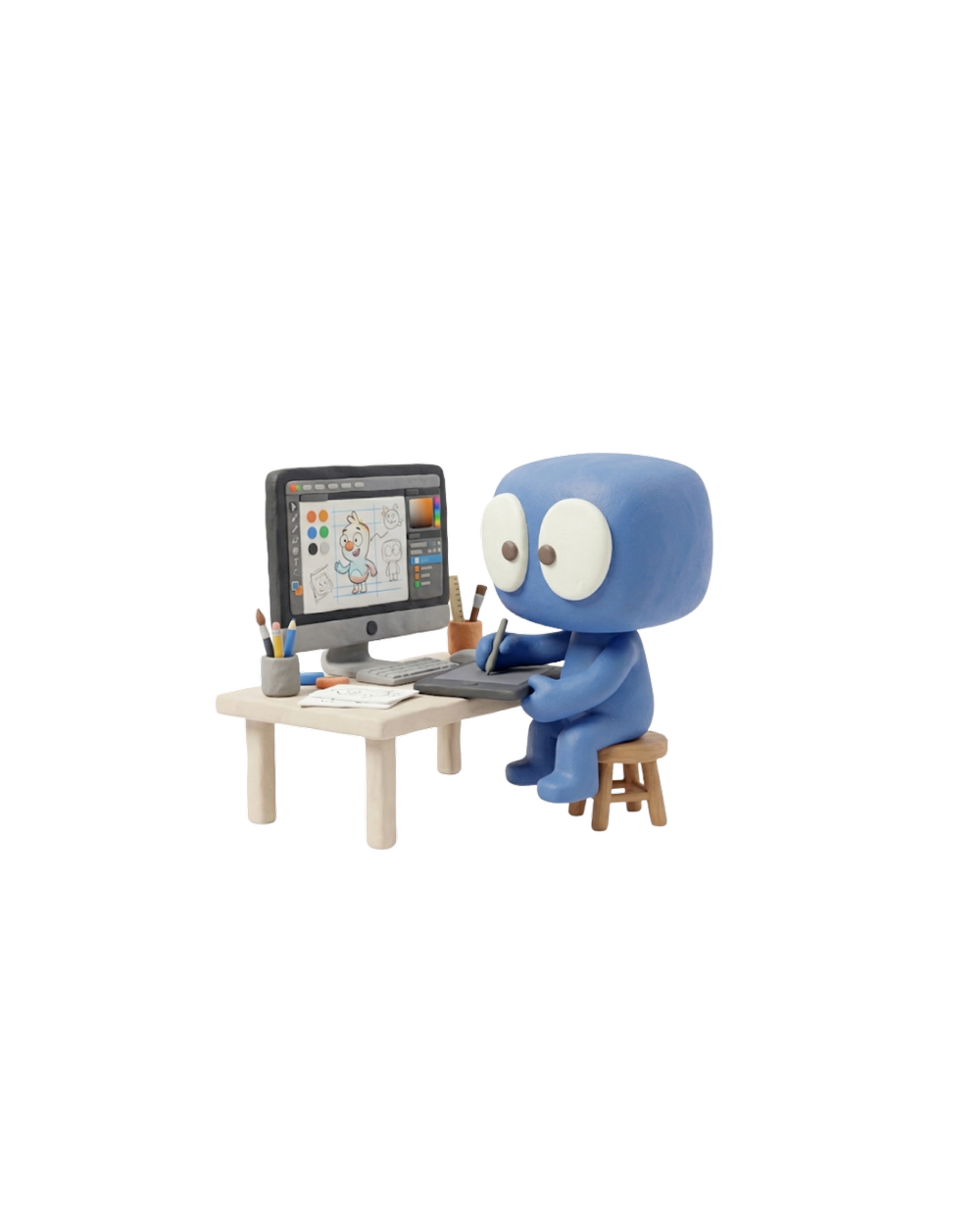

“What I love about Blender is that it never says no. One minute I’m modelling a character, the next I’m lighting the scene, and I never have to leave the program. And it’s free, so anyone can start tonight.”
Emily BroadhurstAnimator at Carse & Waterman
Free, for good
No trial, no subscription, no account. It’s open source, made by the Blender Foundation and a huge community.
Good enough for Hollywood
Flow, made in Blender, won the 2025 Academy Award for Best Animated Feature.
One program, the whole job
Model it, rig it, animate it, light it, render it, even edit it. You can learn the lot in one place.
Step by step
Twelve steps to your first animation.
Pick a step, watch it play, then try it in Blender. Use the arrow keys to move between steps.
Keep this handy
The Blender cheat sheet.
Everything from the steps above on one card. On a Mac, use Cmd where it says Ctrl.
Moving the view
- Middle mouse + drag
- Look around
- Scroll wheel
- Zoom
- Shift + Middle mouse
- Pan
- Numpad 1 3 7
- Front, side, top
- Numpad 0
- Camera view
- Home
- Fit everything in view
Working with things
- Left click
- Select
- G
- Grab (move)
- R
- Rotate
- S
- Scale
- X Y Z after G, R or S
- Lock to one axis
- Shift + A
- Add something
- X or Delete
- Delete
Animating and saving
- I
- Set a keyframe
- Space
- Play / stop
- F12
- Render a picture
- Ctrl + F12
- Render the animation
- Ctrl + S
- Save
- Ctrl + Z
- Undo
Where next
Keep going. It’s all free.
Done the twelve steps? These are the places we point people to next.
Blender Guru’s doughnut
The famous beginner series: you model, texture, light and render a doughnut. Half the industry started here.
Watch on YouTube ↗ From the makersBlender Studio
Training and real production files from the team who make Blender’s own films.
Visit Blender Studio ↗ Look it upThe Blender Manual
Every button, explained. Brilliant when you know what you want but not where it lives.
Open the manual ↗ Ask for helpBlender Artists
A friendly forum where you can share work, ask questions and get feedback.
Join the forum ↗Where it can take you.
Blender skills lead into real jobs. These are some of the roles that start with what you just learned.
- 3D modellerBuilds the characters, props and places.
- AnimatorBrings them to life, one keyframe at a time.
- Lighting artistSets the mood, like a film cinematographer.
- VFX artistBlends 3D into real footage so you can’t see the join.
- Game artistMakes 3D work that runs live in engines like Unreal.
- Motion designerMakes logos, adverts and explainers move.

Made something? Show us.
Tag @carseandwaterman with your first Blender shot. Or if you’d rather the humans made it for you, we’d love to hear what you need.
